Clipping Path

Clipping path is a professional photo editing technique used to remove or change the background of an image. Designers mainly depend on Adobe Photoshop for this purpose using tools like the Pen Tool, Path Layers and Selection Tools to carefully outline objects and separate them from their backgrounds. This technique allows you to place subjects on transparent or new backgrounds. Following a step by step process you can gradually improve your clipping path skills ensuring precise edges and smooth results. Mastery of this method is essential for e-commerce, advertising and graphic design projects .

Using the Lasso Tool in Adobe Photoshop to select body part for editing
Fix The Retouch

How to enlarge body parts in photoshop

Adobe Photoshop is an integral asset for picture editing, offering a variety of elements that permit you to improve and control your photographs in various ways. One normal use of Photoshop is to carefully change body parts in pictures, for example, causing somebody to seem slimmer, expanding the size of

Read More
Overview of essential Adobe Photoshop tools in toolbar
Fix The Retouch

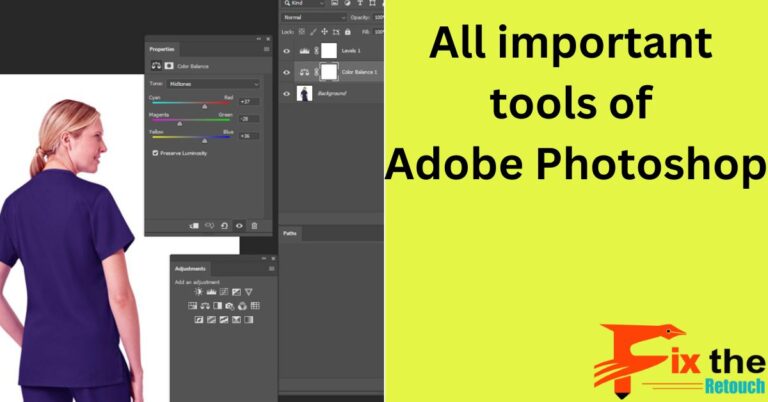
All important tools of Adobe Photoshop-Fix The Retouch

The tools in Adobe Photoshop are powerful and versatile, and they can be used to create a wide variety of images. With a little practice, you can learn how to use these tools to create stunning images that will impress your friends and colleagues. The following are some of the

Read More
Examples of clipping path usage to isolate objects from backgrounds in photo editing
Fix The Retouch

The Different Uses of Clipping Paths in Photo Editing

Clipping path is used for isolating and removing the background of an image for various purposes, such as e-commerce product photos, graphic designing, and photo editing services. Clipping path is a popular technique that allows the subject of an image to be cut out precisely and placed on a new

Read More