Photograph manipulation

Photo manipulation is a creative editing method where pictures are changed to match a specific idea, mood or message. It allows designers to adjust almost any part of an image make it look more polished or more imaginative. With tools like Photoshop you can add new objects, remove unwanted elements, fix colors and adjust lighting to guide the viewers attention. Even a simple photo can be turned into something eye catching by using techniques like layering, masking, blending and basic retouching. The goal is not just to change the image but to express a clear visual intention. With practice and exploration, photo manipulation becomes a powerful way to create unique and meaningful images from everyday photos.

Using Photoshop tools to Cut Out an Image in Photoshop
Fix The Retouch

How to Cut Out an Image in Photoshop 2026-Fix The Retouch

Cut Out an Image in Photoshop means separating the main subject from its background. The goal is to keep the subject and remove everything else. This creates a clean image with a transparent or new background. It is one of the most useful editing techniques for designers, photographers and online

Read More
Using the Lasso Tool in Adobe Photoshop to select body part for editing
Fix The Retouch

How to enlarge body parts in photoshop

Adobe Photoshop is an integral asset for picture editing, offering a variety of elements that permit you to improve and control your photographs in various ways. One normal use of Photoshop is to carefully change body parts in pictures, for example, causing somebody to seem slimmer, expanding the size of

Read More
Overview of essential Adobe Photoshop tools in toolbar
Fix The Retouch

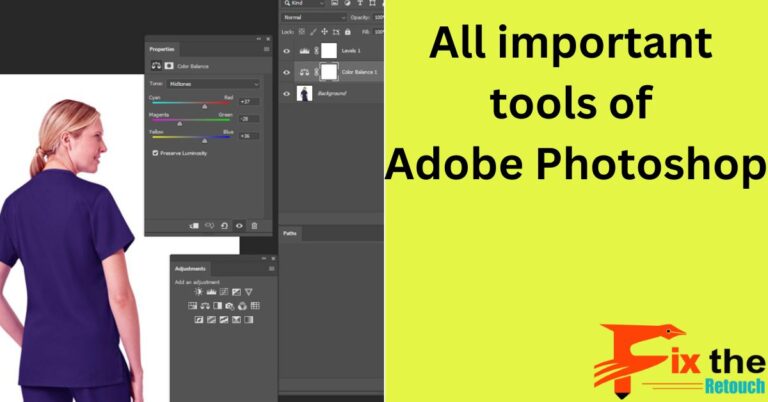
All important tools of Adobe Photoshop-Fix The Retouch

The tools in Adobe Photoshop are powerful and versatile, and they can be used to create a wide variety of images. With a little practice you can learn how to use these tools to create stunning images that will impress your friends and colleagues. The following are some of the

Read More